
Microsoft Access FAQ | Performance, Multi‑User, SQL Server, Security & Integration
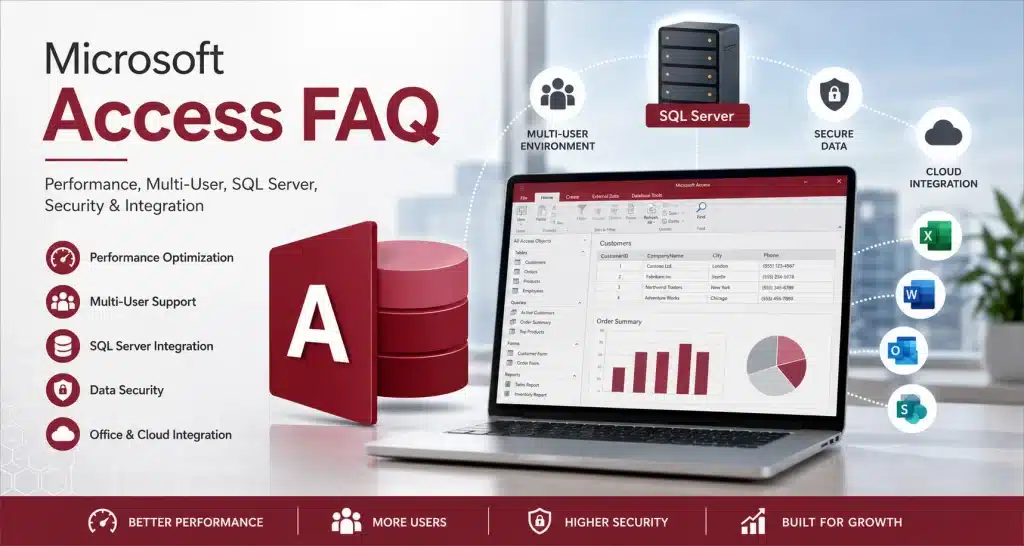
Microsoft Access FAQ A comprehensive guide to Microsoft Access performance, multi‑user environments, SQL Server integration, corruption prevention, security, and best practices. Frequently Asked Questions About Microsoft Access Whether you’re new to Microsoft Access or managing a large multi-user application, these frequently asked questions cover the topics we are asked most often. Learn about database size […]
Microsoft Access Database Security Guidelines | Best Practices & Setup Tips
Microsoft Access Database Security Guidelines Protecting your Microsoft Access database is essential for maintaining data integrity, preventing unauthorized access, and ensuring compliance. Whether your database supports a single user or an entire department, following proven security practices dramatically reduces risk and strengthens long‑term reliability. Protecting Microsoft Access Databases Microsoft Access databases often contain valuable business […]
Multi‑User Microsoft Access Database Tips | Improve Performance & Prevent Corruption
Multi‑User Microsoft Access Database Tips A multi user Microsoft Access database requires proper architecture, stable networking, and disciplined deployment to ensure performance and prevent corruption. When configured correctly, Access can support 5–25 simultaneous users with strong performance and minimal corruption risk — and even more when paired with SQL Server. Why Multi‑User Access Databases Fail […]
Why Consolidating Multiple Microsoft Access Databases Makes Sense
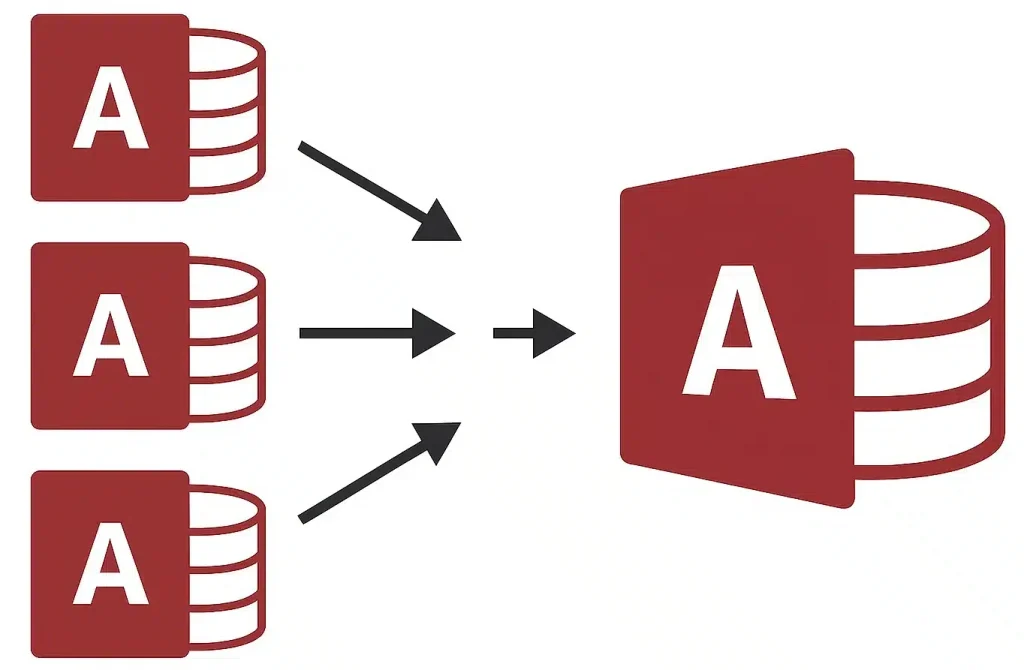
Why Consolidating Multiple Microsoft Access Databases Makes Sense Published Feb 2, 2026 Many organizations rely on Microsoft Access for departmental data management. Over time, this often leads to multiple standalone databases — each with its own tables, forms, queries, and workflows. Consolidating these databases into a unified, multi‑user system improves efficiency, strengthens data integrity, and […]
Microsoft Access vs SQL Server: Which Is Right for Your Business in 2026
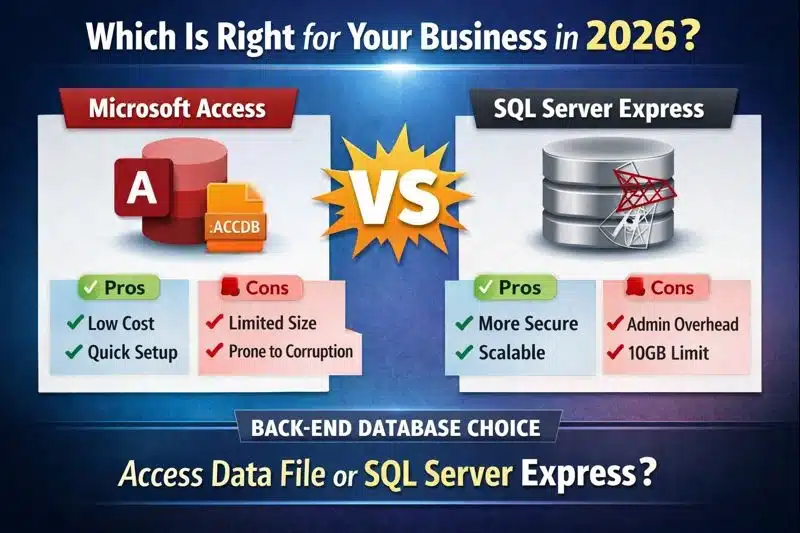
Microsoft Access vs SQL Server: Which Is Right for Your Business in 2026? Choosing between Microsoft Access and SQL Server is one of the most important technology decisions for growing businesses. If you are already evaluating an Upgrade from Access to SQL Server, understanding the strengths, limitations, and long‑term implications of each platform is essential. […]
Microsoft Access Database Optimization Tips
Microsoft Access Database Optimization Tips Microsoft Access database optimization is essential for improving performance, reducing file size, and ensuring long‑term stability in multi‑user environments. Microsoft Access is a powerful and widely used database platform, but performance issues can arise when databases grow, become heavily used, or are not maintained properly. Implementing proven optimization practices ensures […]
Access to SQL Server Migration Process: Steps, Best Practices, and Pitfalls
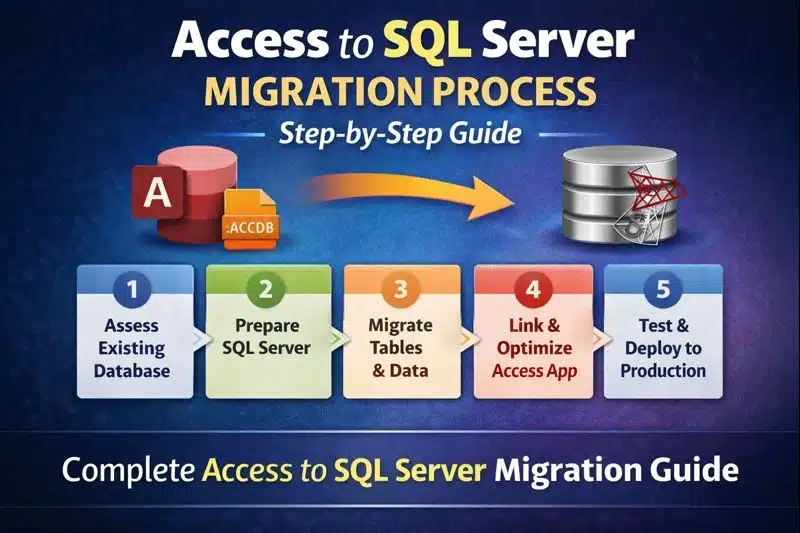
Access to SQL Server Migration Process: Steps, Best Practices, and Pitfalls Access to SQL Server Migration The Access to SQL Server migration process is the most reliable way to improve performance, scalability, and long‑term stability for growing Access applications. For a deeper overview of SQL Server integration, see our SQL Server Integration for Access. For […]
Microsoft Access Best Practices | Performance, Design & Multi‑User Tips
Microsoft Access Best Practices Following Microsoft Access best practices is essential for building fast, stable, and scalable applications that support both single‑user and multi‑user environments. Microsoft Access is a powerful platform for building data‑driven applications, automating workflows, and supporting departmental operations. Applying proven best practices ensures your Access system remains efficient, scalable, and reliable — […]
What Is a Trusted Location in Microsoft Access? | Setup, Best Practices & Troubleshooting
What Is a Trusted Location in Microsoft Access? A trusted location in Microsoft Access is essential for running databases with VBA, macros, and automation without disruptive security warnings. Microsoft Access includes built‑in security controls to protect users from potentially unsafe databases, especially those containing VBA code, macros, or automation routines. A Trusted Location is a […]