
Understanding Calibration Management Systems
Calibration is essential for ensuring measurement accuracy, product quality, and regulatory compliance. Manual calibration tracking is time‑consuming, error‑prone, and difficult to scale. A calibration management system centralizes, automates, and controls the entire calibration lifecycle — improving reliability, traceability, and operational efficiency.
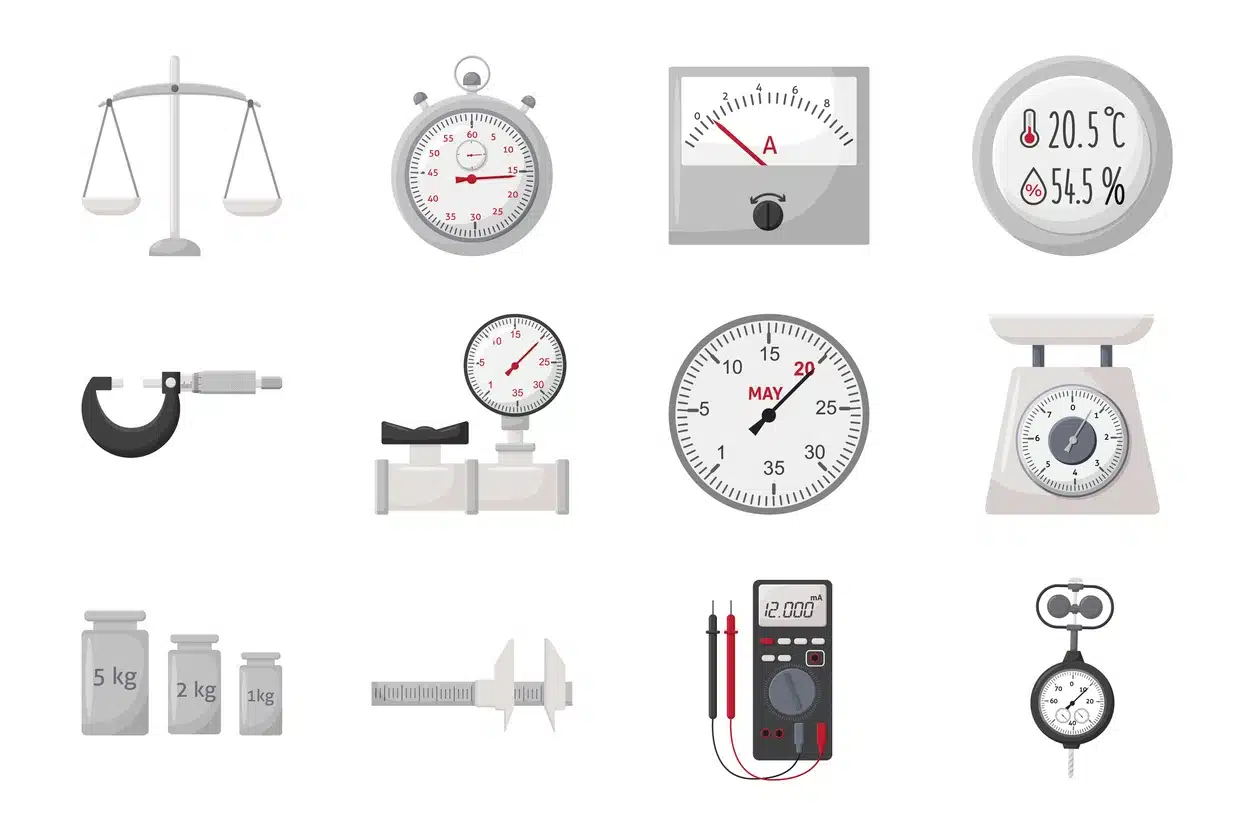
What Is Calibration?
Calibration is the process of comparing a measurement device to a known, traceable standard and adjusting it as needed to ensure accuracy. This ensures that instruments perform reliably over time and that the data they produce is trustworthy.
Calibration typically involves:
- Comparing device readings to a certified reference standard
- Identifying measurement deviations
- Adjusting the device to bring it within tolerance
- Documenting results for traceability and compliance
Accurate calibration minimizes measurement uncertainty and reduces the risk of product defects, rework, and audit findings.
For a complete overview of calibration workflows, see What Is Calibration Management?.
How Calibration Works: Step‑by‑Step
Understanding the calibration procedure helps organizations appreciate the importance of a structured, well‑managed process.
1. Pre‑Calibration Check
The technician verifies that the instrument is functioning properly and identifies any obvious issues before calibration begins.
2. Selection of Reference Standards
Certified reference standards — traceable to NIST or equivalent bodies — are selected to compare against the device under test.
3. Comparison and Adjustment
The device’s readings are compared to the standard. If discrepancies are found, adjustments are made to bring the device within tolerance.
4. Verification and Documentation
After adjustment, the device is re‑tested to confirm accuracy. All results, deviations, and adjustments are documented for compliance and future audits.
5. Maintenance and Repairs
If the device cannot be calibrated within tolerance, repairs or replacement may be required.
For a detailed look at the most critical calibration step, see our article on The Critical Role of “Condition as Found”.
To understand how calibration failures affect product, see Out‑of‑Tolerance Impact Assessment.
Why Calibration Management Systems Are Essential
While calibration itself is straightforward, managing the process across dozens or hundreds of instruments is not. Organizations that rely on manual spreadsheets or aging Microsoft Access databases often experience performance issues as their calibration records grow. Learn how to improve existing systems with our Microsoft Access Performance Optimization guide. Paper logs and disconnected databases introduce significant risk, including:
- Missed calibration due dates
- Lost certificates
- Inconsistent documentation
- Inability to trace device usage
- Audit findings due to incomplete records
A calibration management system solves these challenges by centralizing and automating the entire calibration lifecycle.
Strengthen documentation and traceability with Document Control Software.
Choosing the Right Calibration Management Software
Not all calibration software is designed for the needs of manufacturing companies. Many organizations begin with spreadsheets or generic asset management software, only to discover they lack the traceability, flexibility, and audit documentation required for ISO 9001 and AS9100 compliance.
When evaluating a calibration management system, look for features such as:
- Automated calibration scheduling and reminders
- Complete instrument history
- Electronic calibration certificates
- Out-of-tolerance impact analysis
- Integration with inspections and nonconformance records
- Support for unlimited measuring devices
- Customizable reports and dashboards
- Scalable database architecture
Learn more in our guide: How to Select Calibration Management Software.
What a Calibration Management System Does
A modern calibration management system provides:
- Automated scheduling of calibration due dates
- Centralized storage of calibration certificates
- Traceability of device usage and calibration history
- Audit-ready documentation that supports ISO 9001 and AS9100 Quality Management Software requirements, including complete calibration history, traceability, and compliance records
- Alerts and notifications for overdue or upcoming calibrations
- Integration with inspection, maintenance, and quality systems
This ensures accuracy, compliance, and operational efficiency across the entire organization.
For related inspection workflows, see our Inspection & NCMR Software.
For managing corrective actions triggered by calibration issues, see Corrective Action Software.
Why Custom Calibration Systems Outperform Off‑the‑Shelf Solutions
Every organization has unique calibration workflows, approval processes, and reporting needs. Rather than forcing your business to adapt to generic software, a custom Microsoft Access application can be tailored specifically to your calibration processes. A custom calibration management system offers:
- Tailored workflows that match your exact process
- Scalability as your equipment list grows
- Integration with your existing QMS, ERP, or inspection systems
- Automation that reduces manual effort and human error
- Dedicated support and training for your team
Custom systems eliminate the limitations of generic software and provide a measurable competitive advantage.
Many organizations also automate deployments, updates, and scheduled maintenance to reduce administrative effort and improve consistency. Learn more about our Microsoft Access Deployment Automation services.
For a full overview of QMS integration, see ISO9001 & AS9100 Quality Management Software.
Why Microsoft Access + SQL Server Express Is the Ideal Platform
Your calibration system must be flexible, scalable, and cost-effective. An open-source Microsoft Access front-end integrated with SQL Server Express provides excellent performance, reliability, and long-term scalability. Learn more about SQL Server Integration for Microsoft Access.
This architecture provides:
- Low cost with enterprise‑grade reliability
- Full customization of forms, fields, and workflows
- Multi‑user performance for technicians and quality teams
- Scalable data storage for calibration history and certificates
- Easy integration with inspection, NCMR, and QMS modules
This architecture supports the complete calibration lifecycle and adapts as your business grows.
Explore our solution: Calibration Management Software
Learn more about hybrid architecture in SQL Server Integration for Microsoft Access.
Protecting calibration records is just as important as collecting them. Regular backups, recovery planning, and database maintenance help ensure long-term reliability and minimize downtime. Learn more about our Microsoft Access Backup & Recovery services.
Calibration records often contain controlled quality documentation, making database security an important consideration. Role-based permissions, secure deployment practices, and database hardening help protect sensitive quality records. Learn more about Microsoft Access Security Hardening.
Supporting Existing Microsoft Access Calibration Databases
Many organizations already have a Microsoft Access database that has evolved over many years. Rather than replacing those systems, Database Providers frequently helps manufacturers improve, modernize, and expand their existing applications while preserving the investment they've already made.
Common projects include:
- Repairing damaged Access databases
- Improving performance for multi-user environments
- Migrating data to SQL Server Express
- Adding calibration and inspection modules
- Automating reports and notifications
- Improving database security and reliability
Related resources include our Microsoft Access Database Repair, Microsoft Access Performance Optimization, SQL Server Integration, and Access to SQL Server Migration services.
Calibration as Part of a Complete Quality Management System
Calibration management delivers the greatest value when it operates as part of an integrated Quality Management System rather than as a standalone application. When calibration records connect directly with inspections, nonconforming material reports, corrective actions, document control, and employee training, organizations gain complete traceability across the product lifecycle.
Database Providers offers a fully integrated Quality Management Software suite that combines these modules into a single Microsoft Access and SQL Server platform. Information entered once is immediately available throughout the system, reducing duplicate data entry while improving accuracy and audit readiness.
Explore related solutions:
Conclusion
Calibration is not a one‑time event — it is a continuous process that ensures equipment accuracy, product quality, and regulatory compliance. Understanding how calibration works and implementing a structured calibration management system dramatically improves reliability and operational efficiency.
A custom calibration management system built on Microsoft Access and SQL Server Express provides the flexibility, traceability, and automation needed to support modern manufacturing and aerospace environments.
For a deeper look at how calibration ties into inspection and NCMR, see How Calibration Integrates With Inspection & NCMR.
Discover Our Calibration Management System
Our Calibration Management Software is designed to streamline calibration, improve traceability, and ensure compliance with industry standards.
Contact Us to Learn More About Our Calibration Software